Dell XPS 14 (2026) Review: A Resurgent Ultrabook with OLED Brilliance
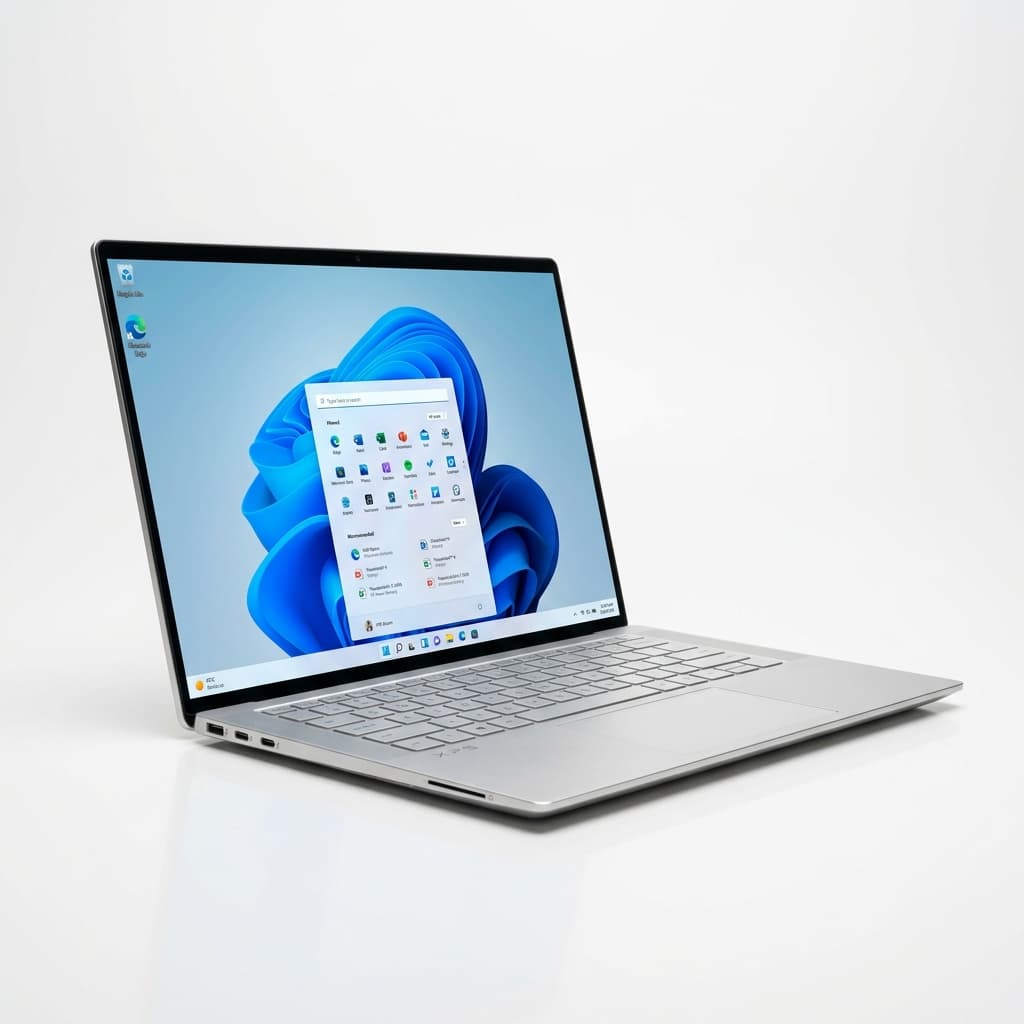
Verdict Score
Where to Buy
We may earn a small commission. Keeps The Verdict ad-free.
“The Dell XPS 14 (2026) marks a triumphant return for Dell's premium ultrabook line, blending a stunning design and powerful Intel Core Ultra 3 processors with a vibrant OLED display, though its divisive keyboard and premium price require careful consideration.”
Buy if…
- ✓You need Windows 11 for work or specific software needs.
- ✓You prioritize a lightweight, minimalist, and premium design.
- ✓An exceptional OLED display with vivid colors and deep blacks is a top priority.
- ✓You require strong productivity and surprisingly capable integrated graphics performance for casual use.
- ✓Excellent battery life is crucial, especially if opting for the non-OLED display.
- ✓You appreciate a high-fidelity speaker system with Dolby Atmos certification.
- ✓The return of a physical function row is a welcome change for your workflow.
Skip if…
- ✗A tactile, comfortable keyboard with ample key travel and feedback is a top priority.
- ✗Budget is a major constraint, as prices are high and have seen recent increases, pushing higher-end models close to $3,000.
- ✗You require extensive port selection beyond USB-C/Thunderbolt 4, such as USB-A, HDMI, or an SD card reader, without relying on dongles.
- ✗Your workflow demands a discrete GPU for heavy gaming or professional-grade content creation.
- ✗Raw, uncompromised CPU performance is paramount, as Apple's M5 silicon can still edge out the XPS 14 in some benchmarks.
Pros
- +Sleek, minimalist, and lightweight premium design and build quality.
- +Stunning optional OLED display with 2.8K resolution, 120Hz refresh rate, and excellent color reproduction.
- +Strong performance across Intel Core Ultra Series 3 'Panther Lake' processors, especially the X7.
- +Exceptional battery life on the 1920 x 1200p non-touch LCD model, reaching over 20 hours.
- +Physical function row returns, addressing a major criticism of previous designs.
- +Excellent, well-delineated haptic trackpad that blends seamlessly with the chassis.
- +High-fidelity, Dolby Atmos certified quad-speaker system delivers impressive audio.
- +Integrated Intel Arc B390 graphics are surprisingly capable for light gaming and creative tasks.
Cons
- −The keyboard remains shallow and lacks satisfactory tactile feedback, proving divisive among users.
- −High starting price and significantly more expensive for higher-end configurations; recent component cost increases have pushed prices even higher.
- −Limited port selection, featuring only three USB-C/Thunderbolt 4 ports and a 3.5mm audio jack, necessitating dongles for many peripherals.
- −Choosing the vibrant OLED display significantly reduces battery life compared to the IPS option.
- −Some early user impressions noted minor software or driver bugs.
- −Opening the laptop lid can be difficult due to the lack of a prominent lip or indent.
- −CPU performance, particularly in higher-end configurations, can be power-limited during sustained heavy workloads.
Score Breakdown
Technical Specifications
Introduction: The XPS 14 (2026) – A Return to Form
The Dell XPS 14 (2026) arrives as a pivotal moment for Dell's venerated XPS line, representing a conscious course correction after some controversial design experiments in prior iterations. Positioned as a premium ultraportable, this latest model seeks to redefine the 14-inch laptop segment, blending a fresh, minimalist aesthetic with Intel's cutting-edge Core Ultra Series 3 'Panther Lake' processors. For years, the XPS brand has been synonymous with top-tier Windows laptops, and the 2026 refresh aims to reclaim that mantle, offering a compelling blend of portability, performance, and display technology. But does it truly hit the mark, or do some lingering compromises hold it back from absolute perfection?
Design and Display: Elegance Meets Engineering
Dell has meticulously refined the XPS 14’s chassis for 2026, delivering a laptop that is notably lighter and more compact than its predecessor. Measuring a svelte 309.5 x 209.7 x 14.6 mm and weighing just 1.36 kg (3.0 lbs), it embodies the essence of a modern thin-and-light machine, designed for mobility without sacrificing structural integrity. The build quality is excellent, with reviewers often comparing its sturdiness to Apple’s MacBooks. The minimalist graphite finish exudes sophistication, resisting fingerprints better than many dark-hued competitors.
However, the real showstopper is undoubtedly the display. The XPS 14 (2026) offers two superb 14-inch panel options. The standout is the optional 2.8K (2880 x 1800) OLED touchscreen, featuring a variable refresh rate of 20-120 Hz. This InfinityEdge display delivers stunningly vivid colors, true blacks, and exceptional contrast, making it ideal for creative work, media consumption, and even casual gaming. For those prioritizing battery life, the 1920 x 1200 non-touch IPS LCD panel is an excellent alternative, boasting a remarkable 1-120 Hz variable refresh rate and bright 500-nit output. While less vibrant than the OLED, it’s perfectly suited for productivity and offers significantly extended endurance. Both displays meet Dell's high standards, ensuring a premium visual experience regardless of your choice.
Performance and Graphics: Panther Lake Unleashed
Under the hood, the Dell XPS 14 (2026) is powered by Intel’s latest Core Ultra Series 3 'Panther Lake' processors. These chips, particularly the higher-end Intel Core Ultra X7 358H, offer substantial boosts in both speed and efficiency. Our research indicates the XPS 14 with the Ultra X7 358H delivers robust multi-core performance, excelling in demanding productivity tasks and content creation. In Geekbench 6, the Ultra X7 model achieved impressive multi-core scores around 16,927, while video transcoding in Handbrake saw a 4K video converted to 1080p in a brisk 4 minutes and 30 seconds. Everyday responsiveness is flagship-class, ensuring smooth multitasking and rapid application loading.
Dell has opted to rely solely on integrated graphics for the XPS 14 (2026), specifically the Intel Arc B390. While some might miss the option for a discrete GPU, the Arc B390 proves surprisingly capable. Benchmarks show it outperforming previous generation integrated graphics and even some competing M5 GPUs in certain tests, making it suitable for casual gaming at 1080p with medium settings, and perfectly adequate for creative applications like photo and light video editing. The inclusion of a 50 TOPS NPU further enhances AI-driven workloads, from Windows Studio Effects to local AI models, positioning the XPS 14 well for the future of computing. However, it's worth noting that in heavy, sustained CPU workloads, the higher-end chips can sometimes hit power limits, leading to slightly throttled performance.
Keyboard, Trackpad, and Audio: Hits and Misses
Dell has listened to feedback, making significant improvements in key areas. The controversial capacitive function row of past models has been replaced with traditional, physical function keys, a welcome return for touch typists. The haptic trackpad is another triumph; it's large, smooth, and now features subtle raised edges that clearly delineate its boundaries, offering a superior and more confident user experience akin to Apple's best.
However, the keyboard remains the XPS 14’s Achilles' heel. While functional, many reviewers found the key travel shallow and the feedback limited, making for a less than ideal typing experience, especially for extended periods. This is a significant drawback for a premium productivity laptop. On a more positive note, the audio experience is exceptional. The XPS 14 features a Dolby Atmos certified quad-speaker system (two tweeters and two main speakers) that delivers rich, clear sound, placing it among the best in its class for laptop speakers. The 4K webcam with IR camera also ensures sharp video calls and secure facial recognition logins.
Battery Life and Connectivity: Endurance and Efficiency
Battery life on the XPS 14 (2026) varies significantly depending on the display configuration. The 1920 x 1200 IPS model truly shines here, delivering an outstanding 20 hours and 41 minutes in web browsing tests, making it one of the longest-running x86 laptops on the market. This endurance is a major selling point for users on the go. The 2.8K OLED model, while visually superior, naturally consumes more power, offering a still respectable 12 hours and 23 minutes of battery life. In real-world mixed usage, users can expect 13-15 hours with the IPS display.
Connectivity, however, is a more limited affair. Dell has embraced a minimalist port selection, offering three USB-C Thunderbolt 4 ports (all supporting DisplayPort Alt Mode and Power Delivery) and a single 3.5mm combo audio jack. While Thunderbolt 4 provides versatile, high-speed connectivity for docks and external displays, the complete absence of USB-A, HDMI, or an SD card reader means many users will inevitably live the 'dongle life'. Wireless connectivity is cutting-edge, with Wi-Fi 7 and Bluetooth 6.0 provided by an Intel BE211 module.
Price and Configurations: Premium with a Catch
The Dell XPS 14 (2026) positions itself firmly in the premium laptop segment, with a starting price that reflects its high-end aspirations. While it initially launched at around $1,599.99, recent discounts have seen the entry-level Intel Core Ultra 5 configuration dip to $1,349. However, upgrading to configurations with the more powerful Intel Core Ultra X7 processor, 32GB of RAM, 1TB SSD, and the OLED display quickly pushes the price past the $2,000 mark. Notably, recent component cost increases have seen prices for these higher-end models climb further, with some configurations now nearing or exceeding $3,000. This makes the XPS 14 (2026) a significant investment, especially when considering the options available from competitors.
Configuration options are extensive, allowing users to tailor the laptop to their specific needs. Choices include Intel Core Ultra 5 325, Core Ultra 7 355, or Core Ultra X7 358H processors, with an Intel Core Ultra X9 388H expected to be available in the future. Memory options range from 16GB to 64GB LPDDR5x, while storage can be configured from 512GB up to 4TB PCIe Gen 4 SSDs. The choice between the 1200p IPS and 1800p OLED display also impacts both price and battery life.
Conclusion: A Compelling, Yet Imperfect, Comeback
The Dell XPS 14 (2026) represents a strong comeback for the iconic XPS brand, correcting many of the missteps of previous generations and delivering a genuinely premium ultraportable experience. Its stunning design, exceptional OLED display option, powerful Intel Core Ultra 3 processors, and impressive battery life (especially with the IPS screen) make it a compelling choice for Windows users seeking a high-performance, portable machine. The return of physical function keys and the superb haptic trackpad are definite highlights, enhancing usability.
However, it’s not without its flaws. The shallow keyboard remains a significant point of contention for many, and the limited port selection may necessitate a dongle-laden existence for some users. Moreover, the premium price tag, exacerbated by recent increases, demands serious consideration against its competitors, including Apple’s MacBook Pro M5. Ultimately, if you can overlook the keyboard’s shortcomings and justify the investment, the Dell XPS 14 (2026) stands as one of the best premium Windows ultrabooks available today, a testament to Dell’s renewed focus on design and performance in its flagship line.
Was this verdict useful?
You Might Also Like
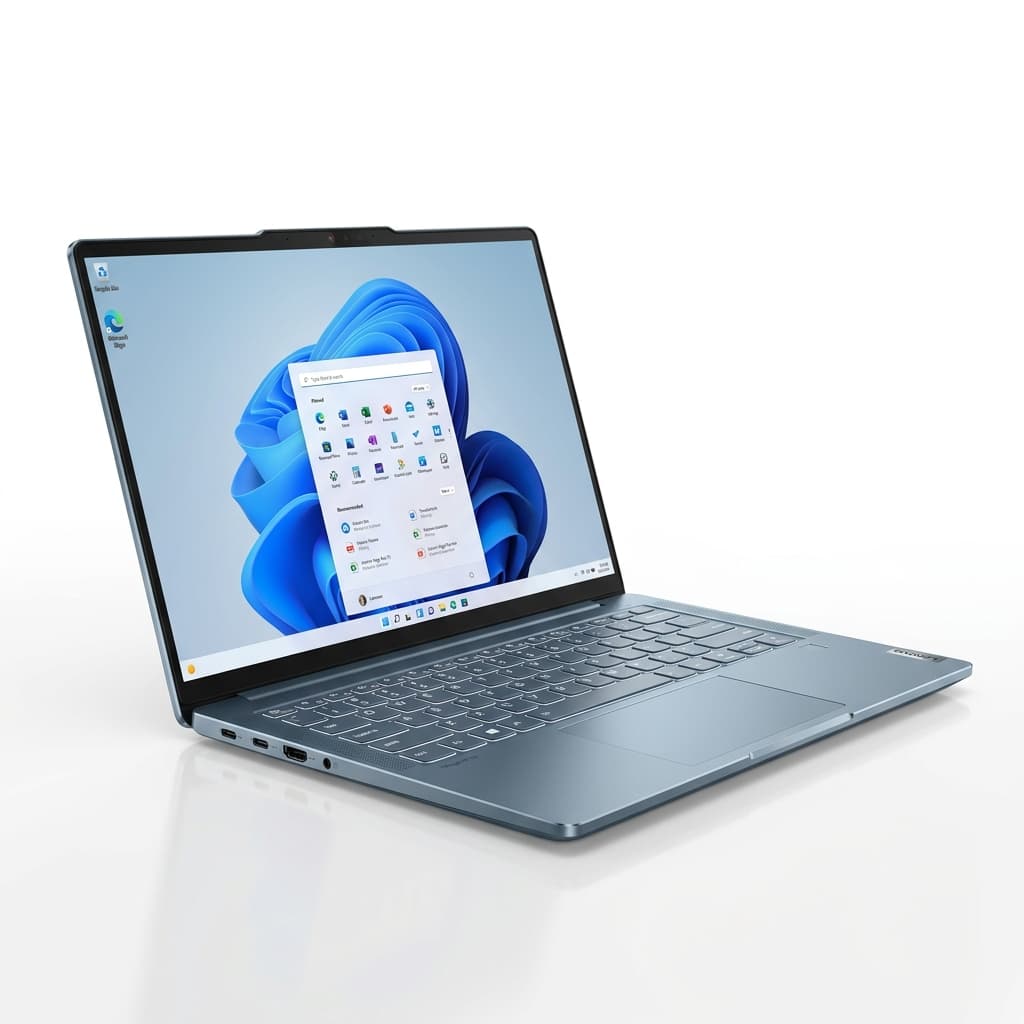
Lenovo Yoga Pro 7i Gen 11 Aura Edition Review: A Creator's Powerhouse with OLED Brilliance
$2,149
The Lenovo Yoga Pro 7i Gen 11 Aura Edition delivers a premium creative experience with its stunning OLED display, powerful Intel Core Ultra processors, and NVIDIA RTX 50-series graphics, though its high price and average battery life may give some pause.
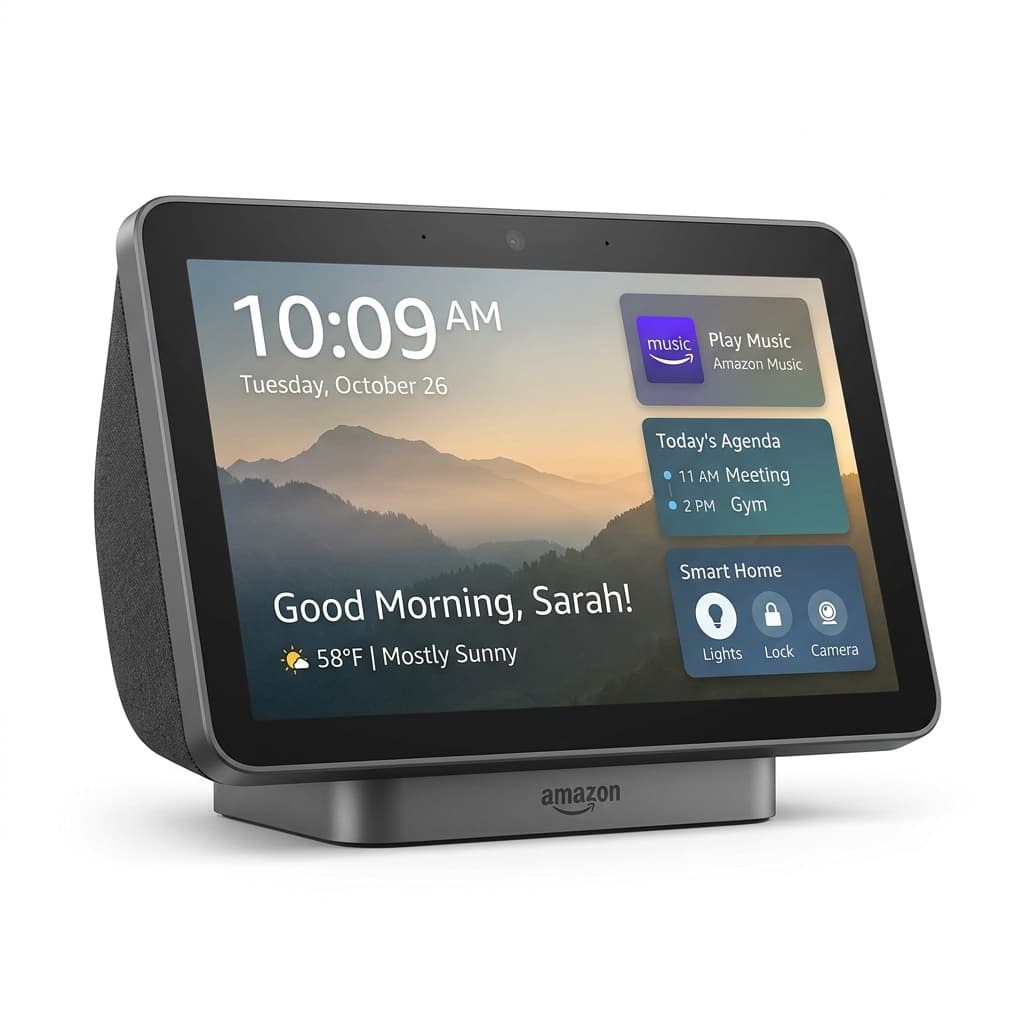
Amazon Echo Show 11 Review
~$249
The Amazon Echo Show 11 delivers a stunning Full HD display, powerful spatial audio, and enhanced Alexa+ intelligence, making it a robust centerpiece for any smart home.
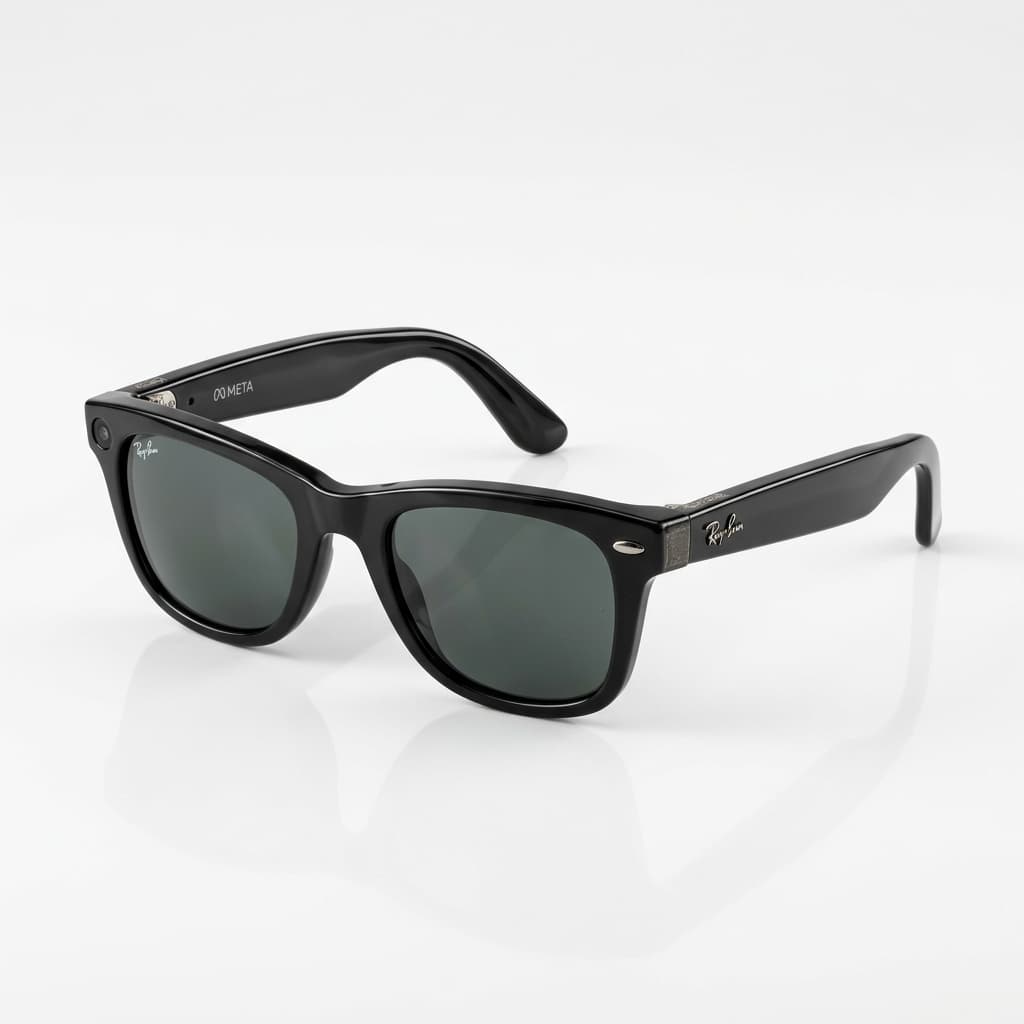
Ray-Ban Meta Wayfarer Review: Smart Glasses That Redefine Hands-Free Living
$320 - $379
The Ray-Ban Meta Wayfarer (Gen 2) seamlessly blends iconic style with advanced smart features, offering a genuinely hands-free way to capture, communicate, and interact with the world.
Dell XPS 14 (2026) Review: A Resurgent Ultrabook with OLED Brilliance
Starting at $1,349 (on sale), typically $1,599 - $3,000+