Remarkable Paper Pro Review
Verdict Score
Where to Buy
We may earn a small commission. Keeps The Verdict ad-free.
“The reMarkable Paper Pro is a stunning evolution of the distraction-free writing experience, introducing color and a backlight without sacrificing the paper-like feel.”
Buy if…
- ✓You need a distraction-free environment but require color for annotating and sketching.
- ✓The lack of a backlight was the only thing stopping you from buying a previous reMarkable model.
- ✓You prioritize premium build quality and a high-end tactile writing experience.
Skip if…
- ✗You are looking for a full-featured tablet with an app store, browser, and email.
- ✗You are on a tight budget; the device and its required active stylus are expensive.
- ✗You prefer a smaller, more portable 10-inch form factor.
Pros
- +Vibrant and natural Canvas Color display technology.
- +Incredible 12ms latency provides a near-instant writing response.
- +New adjustable front light allows for reading and writing in the dark.
- +Sleek, premium aluminum design feels like a high-end professional tool.
Cons
- −High entry price compared to the reMarkable 2 and competitors.
- −Limited color palette compared to LCD/OLED screens.
- −Larger footprint makes it slightly less portable than its predecessor.
Score Breakdown
Technical Specifications
Introduction: The Evolution of Digital Paper
For years, reMarkable has been the gold standard for distraction-free digital writing. While the reMarkable 2 won hearts with its thin profile and tactile feel, users consistently asked for two major additions: color and a backlight. The newly released reMarkable Paper Pro (often referred to as the Paper Pure edition by enthusiasts for its clean aesthetic) is the company's answer to those demands. This isn't just a minor refresh; it is a significant leap forward in E-ink technology, featuring a larger screen, faster performance, and a custom color engine designed specifically for the creative professional.
The Canvas Color Display: A New Visual Standard
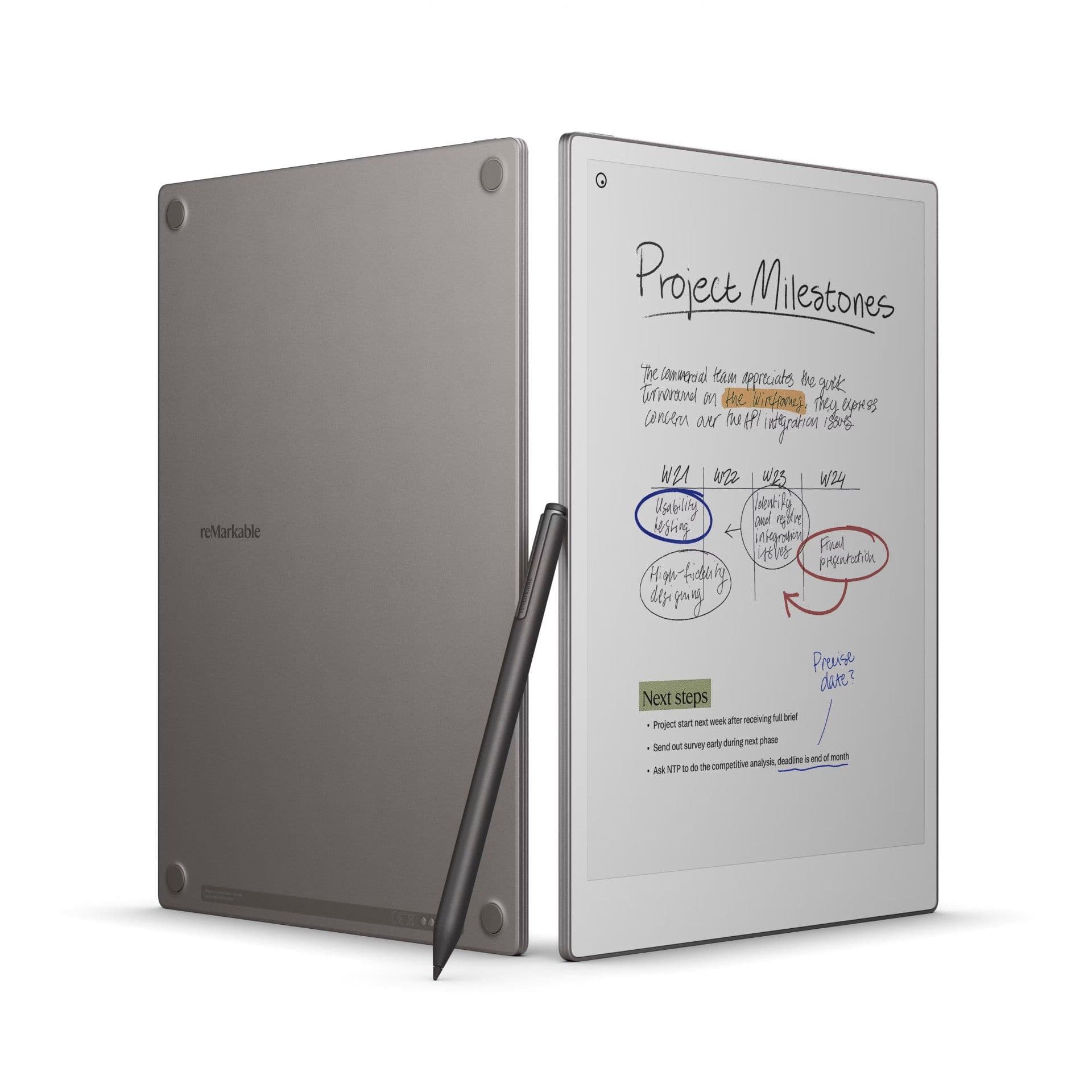
The centerpiece of the Paper Pro is the 11.8-inch Canvas Color display. Unlike traditional tablets that use backlit LCD or OLED screens which emit blue light directly into your eyes, the Paper Pro uses a specialized E-ink technology that reflects ambient light. This allows for a comfortable, eye-strain-free experience even during long work sessions. The colors are not meant to compete with an iPad; they are muted and pastel-like, mimicking the look of high-quality ink on newsprint or professional stationery.
This color capability is more than just aesthetic. It allows users to highlight text in multiple colors, use different colored pens for brainstorming, and better organize complex notes. For architects, designers, and students, the ability to differentiate information through color while maintaining the tactile benefits of E-ink is a massive productivity booster.
Writing Feel and Performance
One of the most impressive feats of engineering in the Paper Pro is the reduction in latency. With a 12ms response time, the delay between the pen tip touching the screen and the digital ink appearing is virtually imperceptible. This makes the Paper Pro one of the most responsive E-ink devices on the market. The surface of the screen has been textured to provide a slight resistance, or "tooth," that feels remarkably like writing on a real pad of paper.
The new Marker and Marker Plus pens are active styluses, which is a departure from the passive tech used in previous models. While this means the pen draws power from the tablet, it enables much higher precision and lower latency. The writing experience remains the core focus, and the Paper Pro maintains the signature "scritch-scratch" sound that users have come to love.
Design and the Long-Awaited Backlight
The build quality of the reMarkable Paper Pro is exceptional. It features a sleek aluminum chassis that is only 5.1mm thin, giving it a premium, professional feel. Despite the larger 11.8-inch screen, the device remains comfortable to hold, though it is noticeably heavier than the reMarkable 2.
Perhaps the most significant functional upgrade is the addition of the adjustable front light. This allows you to continue working when the sun goes down or in poorly lit environments like airplanes or coffee shops. The light is soft and even, designed to illuminate the display from the sides rather than shining directly at the user. This preserves the eye-comfort benefits of E-ink while finally solving the usability issues of previous non-lit models.
Software: Distraction-Free by Design
The Paper Pro runs on Codex, a Linux-based operating system designed to keep you focused. There is no web browser, no social media notifications, and no email inbox to clutter your thoughts. The software focuses on document management, handwriting-to-text conversion, and cloud synchronization. Using the reMarkable desktop and mobile apps, you can easily move PDFs and ePub files onto the device or export your handwritten notes as organized documents.
While the ecosystem is more closed than an Android-based E-ink tablet (like those from Boox), this is intentional. The reMarkable Paper Pro is a tool for deep work, intended for those who find traditional tablets too distracting for serious thought and composition.
Battery Life and Practicality
Despite the addition of a color screen and a backlight, the Paper Pro still offers impressive battery life. Depending on your usage of the front light and Wi-Fi, you can expect several weeks of use on a single charge. It charges via USB-C and supports fast charging, ensuring that it is always ready for your next meeting or study session. With 64GB of internal storage, you can keep thousands of notebooks and documents on the device without ever needing to worry about space.
Conclusion: Is the Paper Pro Worth It?
The reMarkable Paper Pro is a specialized tool for a specific type of user. If you are looking for a device that can replace your laptop or play videos, this is not it. However, if you are a professional, a writer, or a student who needs a high-fidelity digital replacement for paper that can handle color annotations and low-light environments, the Paper Pro is peerless. It is a premium investment in your productivity and mental clarity, offering a beautiful, tactile, and now colorful way to think on the page.
Was this verdict useful?
You Might Also Like
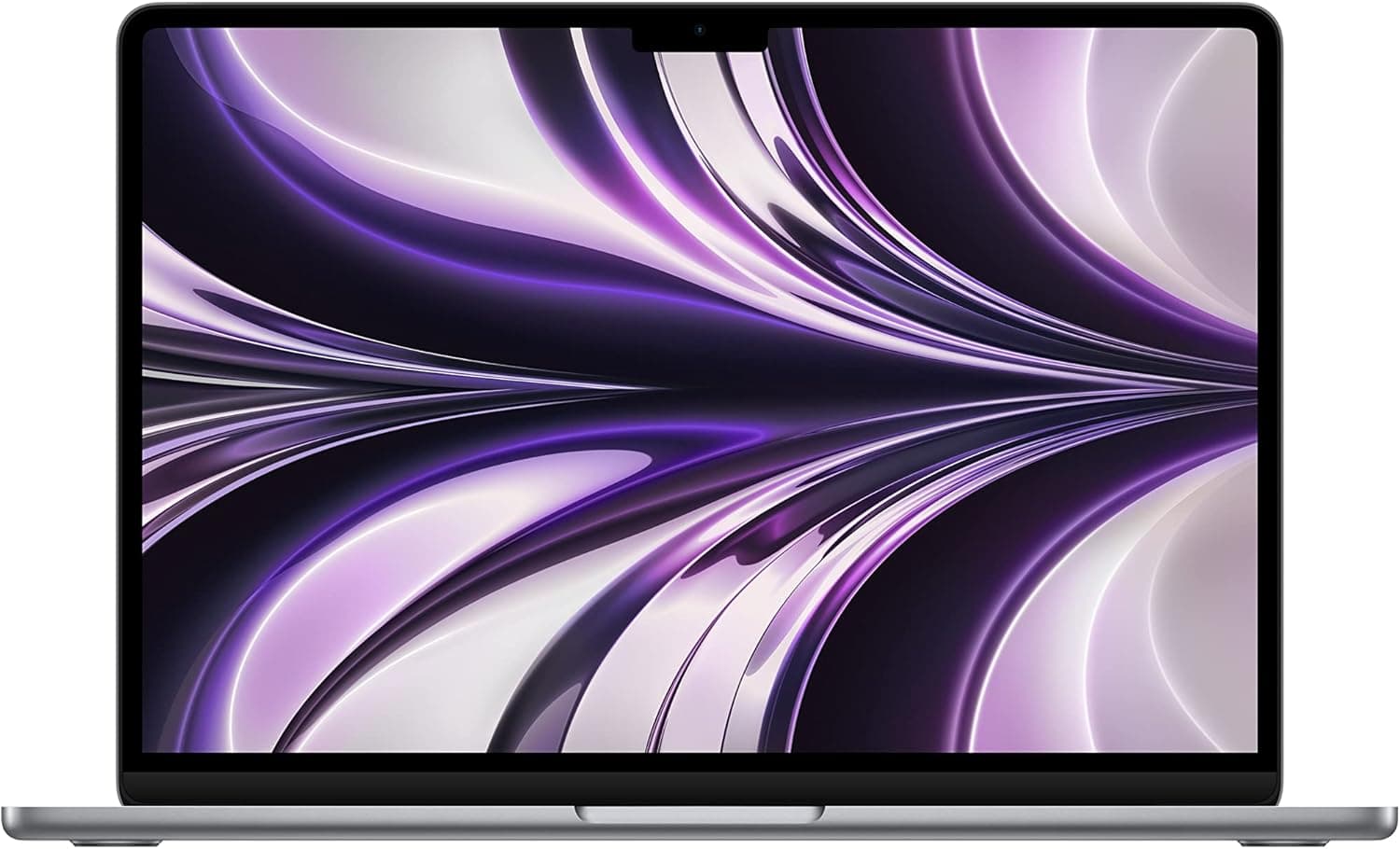
MacBook Air M3 Review
$999.00
The MacBook Air M3 remains the world's best everyday laptop, offering a perfect blend of silent performance, exceptional battery life, and a thin-and-light design that rivals couldn't touch.
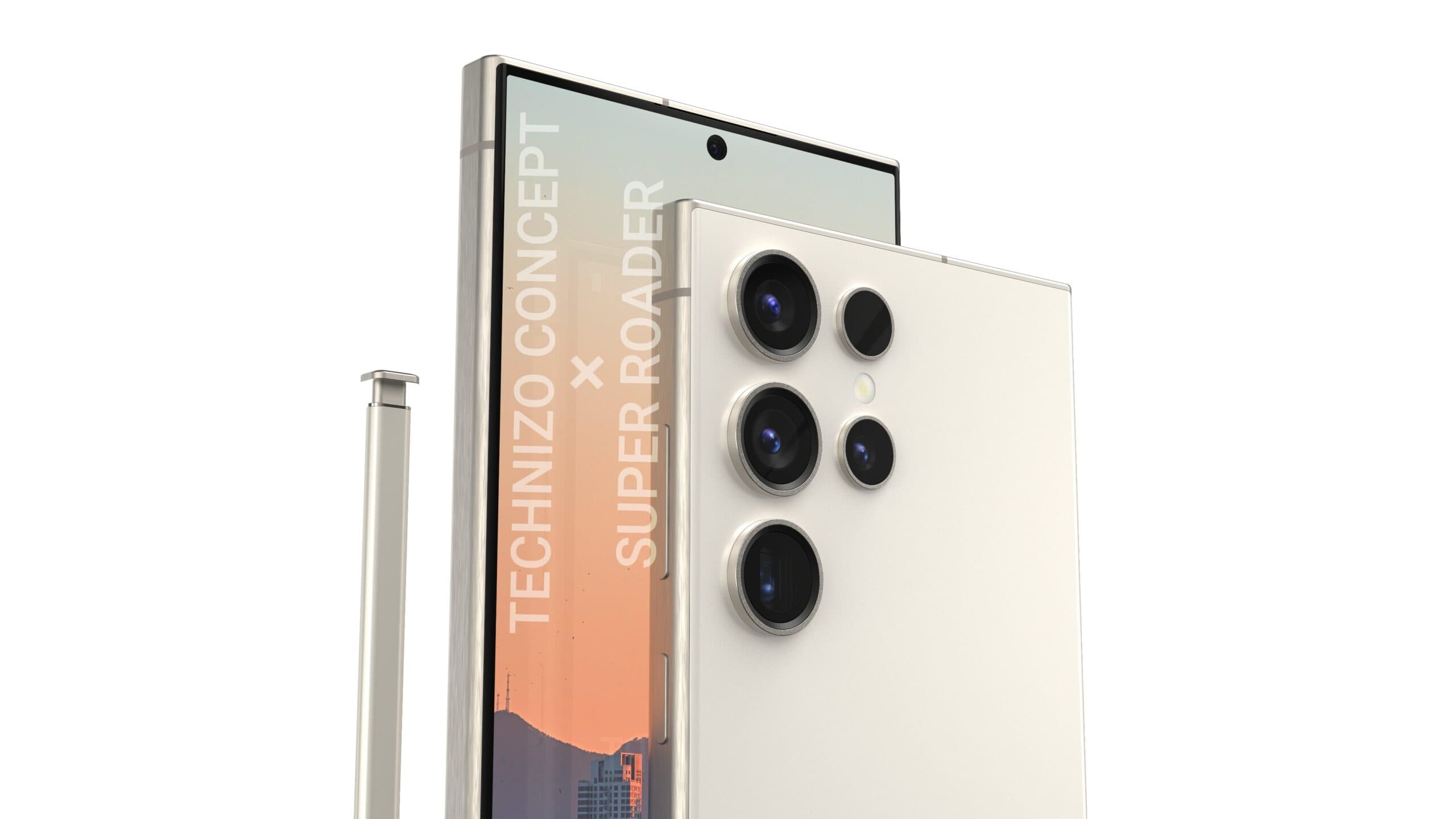
Samsung Galaxy S24 Ultra Review
$1,299.00
The peak of Android hardware, now refined with a titanium frame and integrated Galaxy AI.
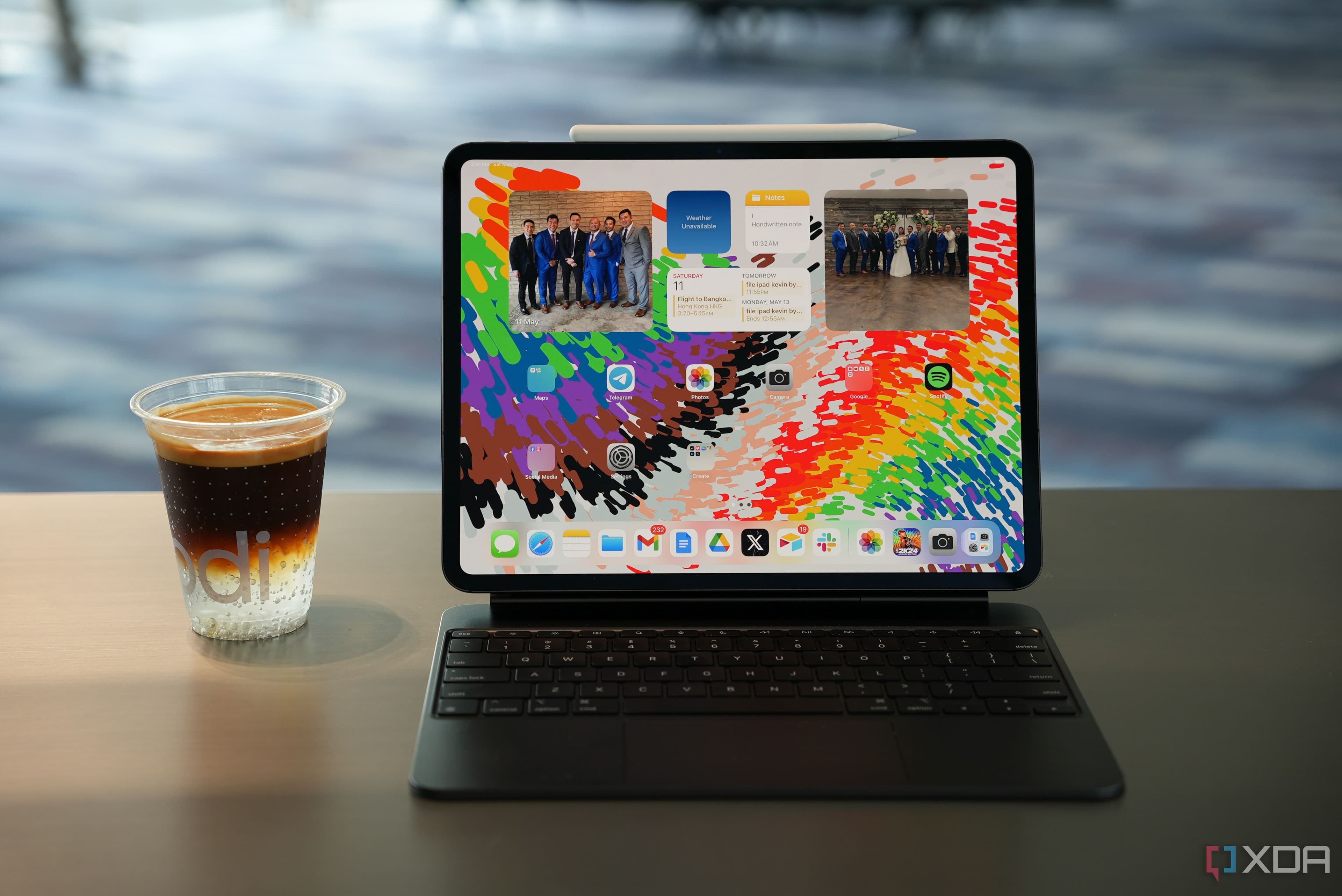
iPad Pro (M4) Review
$999.00
The thinnest Apple product ever, powered by the M4 chip and a revolutionary Tandem OLED display.
Remarkable Paper Pro Review
$579