BenQ RD280UG Review
Verdict Score
Where to Buy
We may earn a small commission. Keeps The Verdict ad-free.
“The BenQ RD280UG is a rare, highly specialized monitor that perfects the programming experience with its unique 3:2 aspect ratio and eye-saving coding modes.”
Buy if…
- ✓You are a software engineer who needs more vertical lines of code visible at once.
- ✓You suffer from eye strain and want the best-in-class eye-care technology.
- ✓You want a clean desk setup with built-in KVM and 90W USB-C charging.
Skip if…
- ✗You are a competitive gamer looking for high refresh rates (this is limited to 60Hz).
- ✗Your primary use is watching 16:9 movies, which will have large black bars.
- ✗You are on a strict budget and don't need developer-specific features.
Pros
- +Unique 3:2 aspect ratio provides significantly more vertical space than 16:9.
- +Dedicated Coding Mode enhances text clarity and contrast for long sessions.
- +MoonHalo integrated bias lighting reduces eye fatigue in dark rooms.
- +90W USB-C power delivery simplifies laptop connectivity.
- +High-quality 4K+ resolution (3840 x 2560) offers incredible pixel density.
Cons
- −60Hz refresh rate is low for non-coding tasks like gaming.
- −Higher price point compared to standard 4K productivity monitors.
- −The 3:2 ratio may require adjustment for those used to ultrawide setups.
Score Breakdown
Technical Specifications
Introduction: A New Era for Developers
For years, software engineers have had to settle for hardware designed either for general office work or high-end gaming. BenQ has identified this gap in the market with its RD series, specifically the BenQ RD280UG. This isn't just another 4K monitor; it is a precision tool engineered specifically for the unique demands of coding. By focusing on vertical real estate, text clarity, and eye health, BenQ has created what might be the definitive display for the modern developer.
The Magic of the 3:2 Aspect Ratio
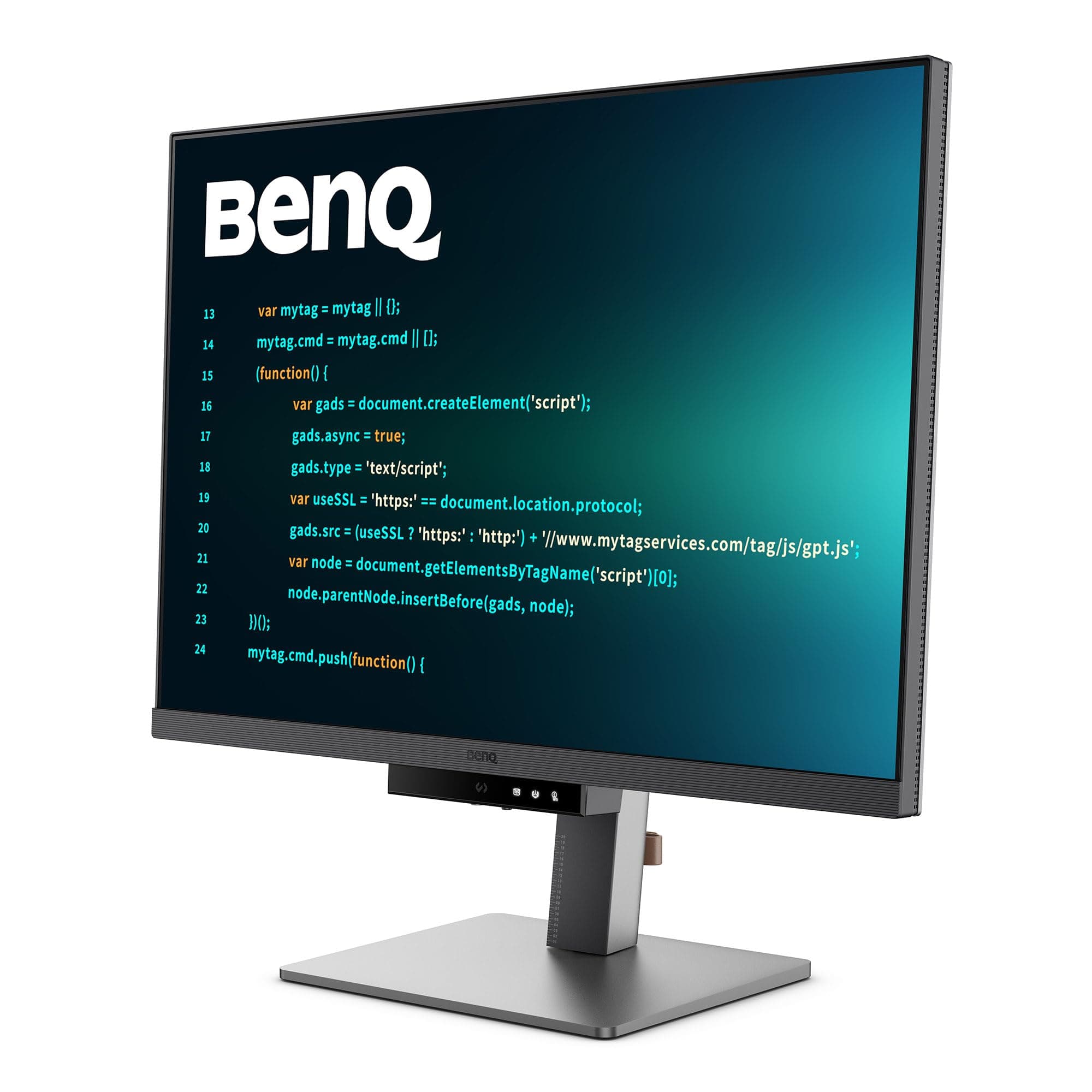
The standout feature of the RD280UG is undoubtedly its 3:2 aspect ratio. While the industry standard has moved toward 16:9 or 21:9 ultrawides, programmers benefit immensely from verticality. The 28.2-inch screen offers a resolution of 3840 x 2560. This extra vertical space means you can see significantly more lines of code without scrolling. When compared to a standard 4K monitor, the RD280UG feels like having an extra few inches of document space, which is invaluable for debugging complex scripts or viewing long documentation side-by-side.
Display Quality and Coding Modes
The RD280UG uses a "Fine-Coated" panel, which is an advanced anti-glare technology that minimizes reflections without the graininess often found in matte screens. This is crucial for text-heavy work. To further assist developers, BenQ introduced a dedicated Coding Mode accessible via the front Function Bar. This mode optimizes contrast and saturation, making code strings pop whether you prefer a light or dark theme. The sharpness provided by the 4K+ resolution ensures that even the smallest font sizes remain crisp and legible, reducing the squinting that often leads to headaches during long sprints.
Ergonomics and the MoonHalo Experience
BenQ’s commitment to eye care is well-known, but the RD280UG takes it a step further with MoonHalo. This is an integrated bias lighting system located on the back of the monitor. Unlike cheap RGB strips, MoonHalo is designed to provide a gentle, adjustable glow that reduces the contrast between the bright screen and a dark room. It features adjustable color temperatures and brightness, allowing it to act as both an eye-care tool and an ambient desk light. The stand is fully ergonomic, offering height, tilt, and swivel adjustments, though it should be noted that the 3:2 ratio makes it quite tall, so you’ll want a desk with proper depth.
Productivity and Connectivity
The BenQ RD280UG is designed to be the hub of a professional workstation. It features a USB-C port with 90W Power Delivery, meaning you can connect your MacBook or laptop with a single cable that handles video, data, and charging. The built-in KVM switch allows you to control two different computers (like a work laptop and a personal desktop) using one set of keyboard and mouse. Furthermore, for those who require multiple displays, the RD280UG supports Daisy Chaining via DisplayPort, allowing you to link a second monitor without running multiple cables to your PC.
Smart Features: The Function Bar
One of the most innovative design choices is the touch-sensitive Function Bar located at the bottom of the bezel. This bar provides instant access to the most used features: volume, brightness, Coding Mode, and the Eye-Care settings. This eliminates the need to fumble with clunky OSD joysticks or buttons. Additionally, the Brightness Intelligence Gen2 (B.I. Gen2) sensor automatically adjusts the screen brightness based on the ambient light in your room, ensuring the display is never too bright in a dim environment or too washed out in a sunny one.
Performance Beyond the Code
While this is a programmer-first monitor, it holds its own in other categories. It covers 95% of the DCI-P3 color gamut, making it more than capable for light photo editing or video consumption. However, users should be aware that it is limited to a 60Hz refresh rate. For software development, this is perfectly adequate, but gamers looking for fluid 120Hz or 144Hz movement will find it lacking. Additionally, the 3:2 aspect ratio means that 16:9 content (like most Netflix shows or YouTube videos) will have substantial black bars at the top and bottom.
Final Verdict
The BenQ RD280UG is a specialized piece of equipment that delivers exactly what it promises. It successfully prioritizes the needs of coders over the general masses. The combination of the 3:2 ratio, exceptional text clarity, and thoughtful additions like MoonHalo and the KVM switch make it a powerhouse for productivity. If your day-to-day life revolves around an IDE, this monitor is one of the best investments you can make for your career and your health. It is a premium product with a price to match, but for the professional developer, the efficiency gains and reduced eye strain are well worth the cost.
Was this verdict useful?
You Might Also Like
DJI Osmo Pocket 4 Review: The Future of Handheld Cinematography
Estimated $529
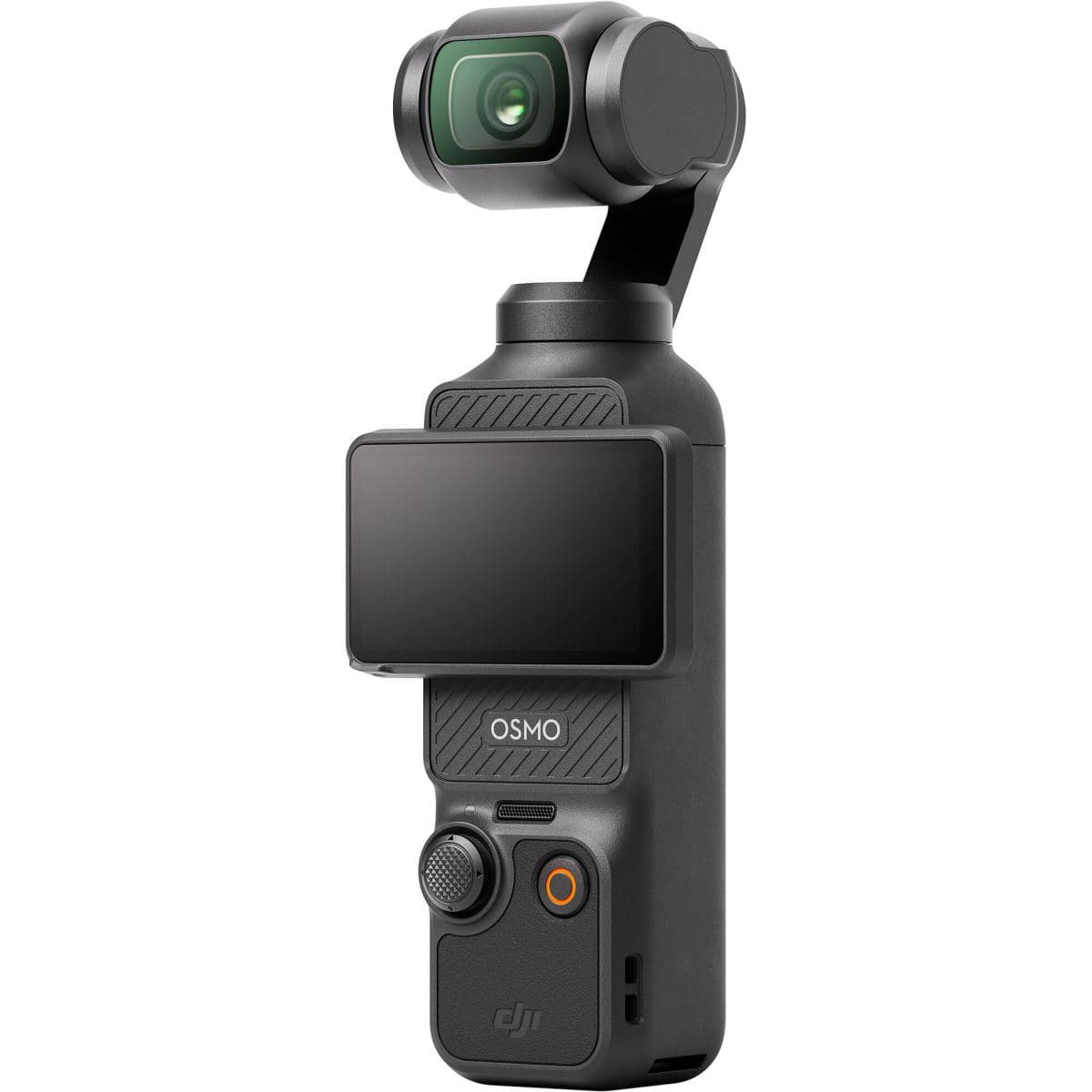
The DJI Osmo Pocket 4 sets a new benchmark for pocket-sized content creation, refining the 1-inch sensor experience with cutting-edge AI tracking and superior low-light capabilities.
LG C6 OLED Review: The Last Legend of Curved 3D Displays
Used market: $400 - $800
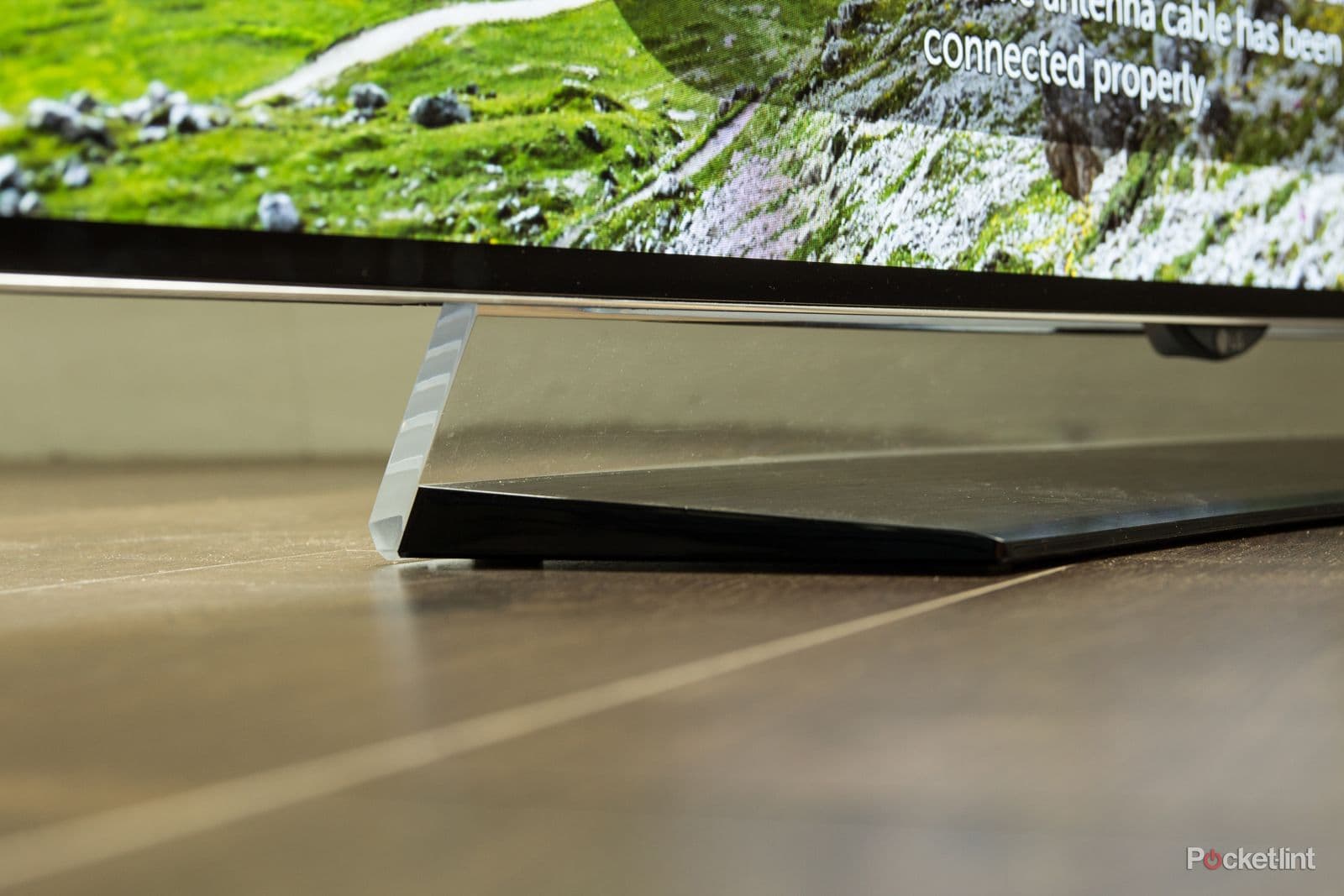
The LG C6 remains a legendary piece of home cinema history, offering the rare combination of a curved OLED panel and the best passive 3D experience ever produced.
Remarkable Paper Pro Review
$579
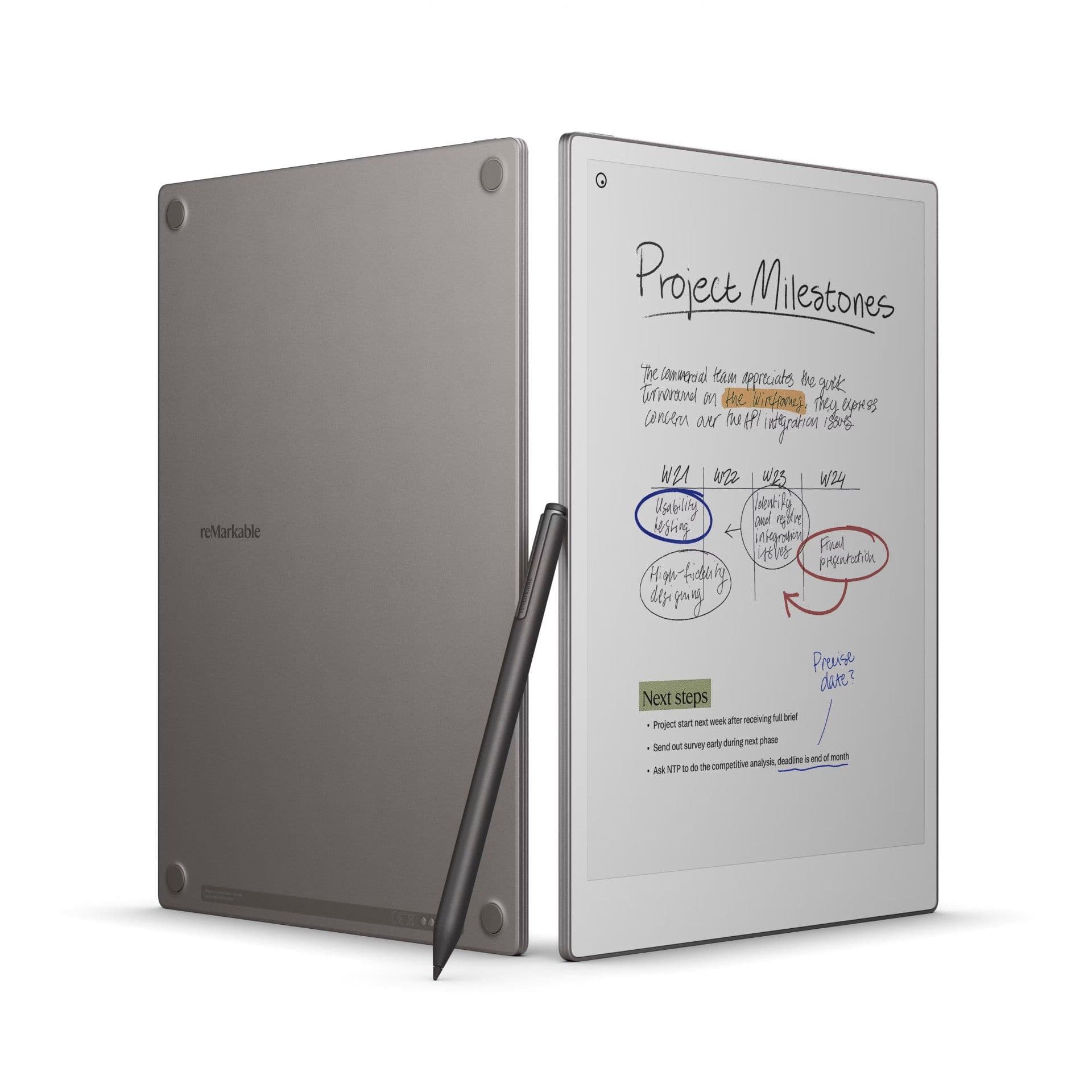
The reMarkable Paper Pro is a stunning evolution of the distraction-free writing experience, introducing color and a backlight without sacrificing the paper-like feel.
BenQ RD280UG Review
$599